How to download the Goodside app to an iOS device
You’re just a few steps away from downloading the Goodside app to your iOS device. Follow these steps to complete the process and join the RBC Employee Pilot:
Step 1
Click on the button below to get started.
Download the Goodside App
Step 2
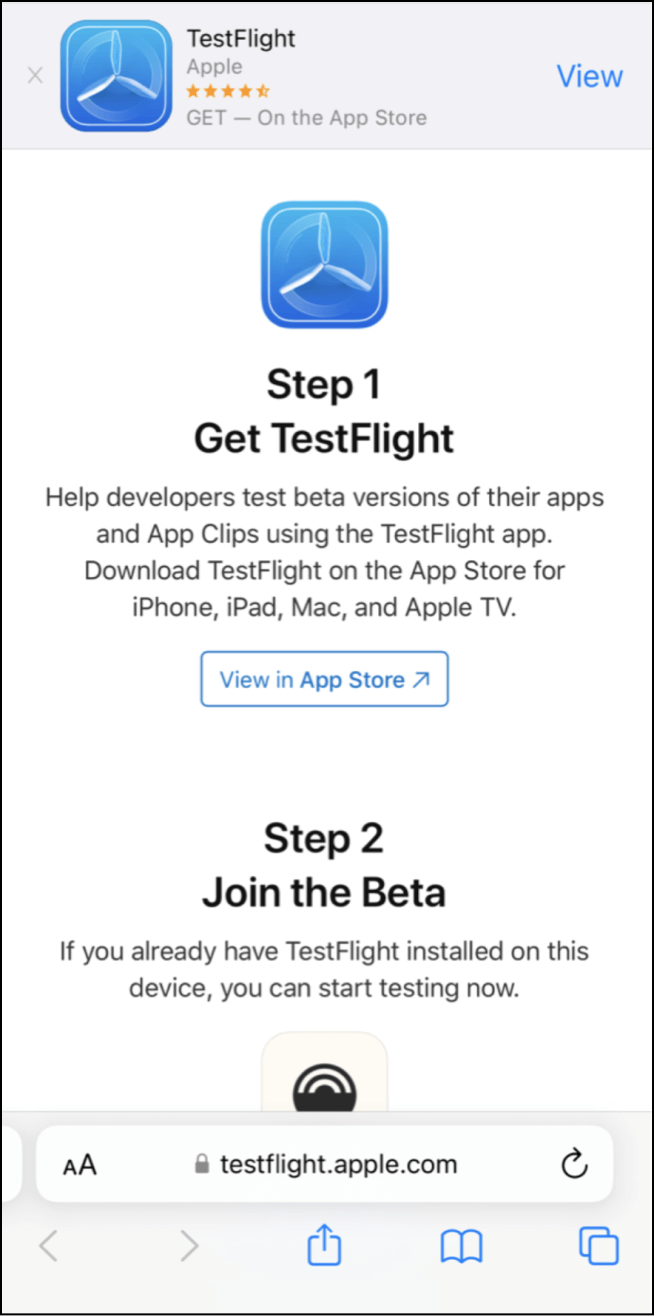
If you don’t already have the TestFlight app, follow Step 1 and download the app from the App Store now.
If you already have TestFlight, click on Start Testing and jump to step 6.
Step 3
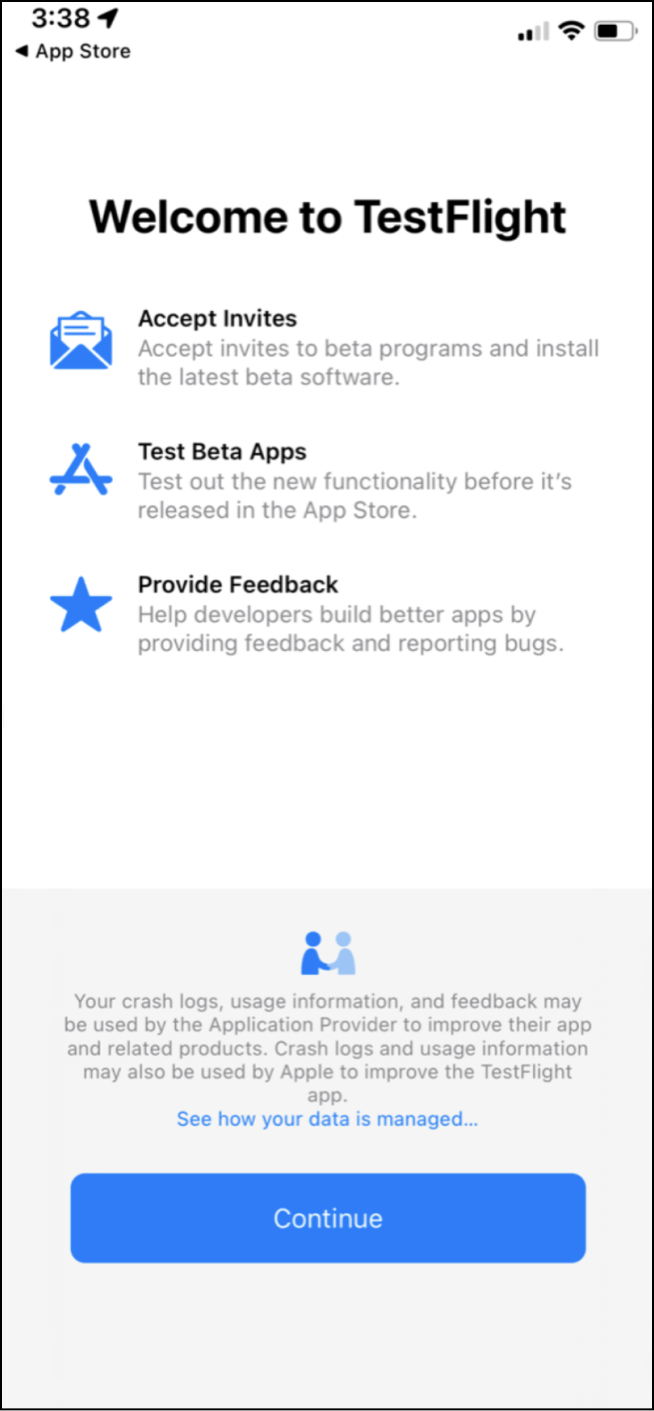
Once you have downloaded TestFlight, click on Continue.
Step 4
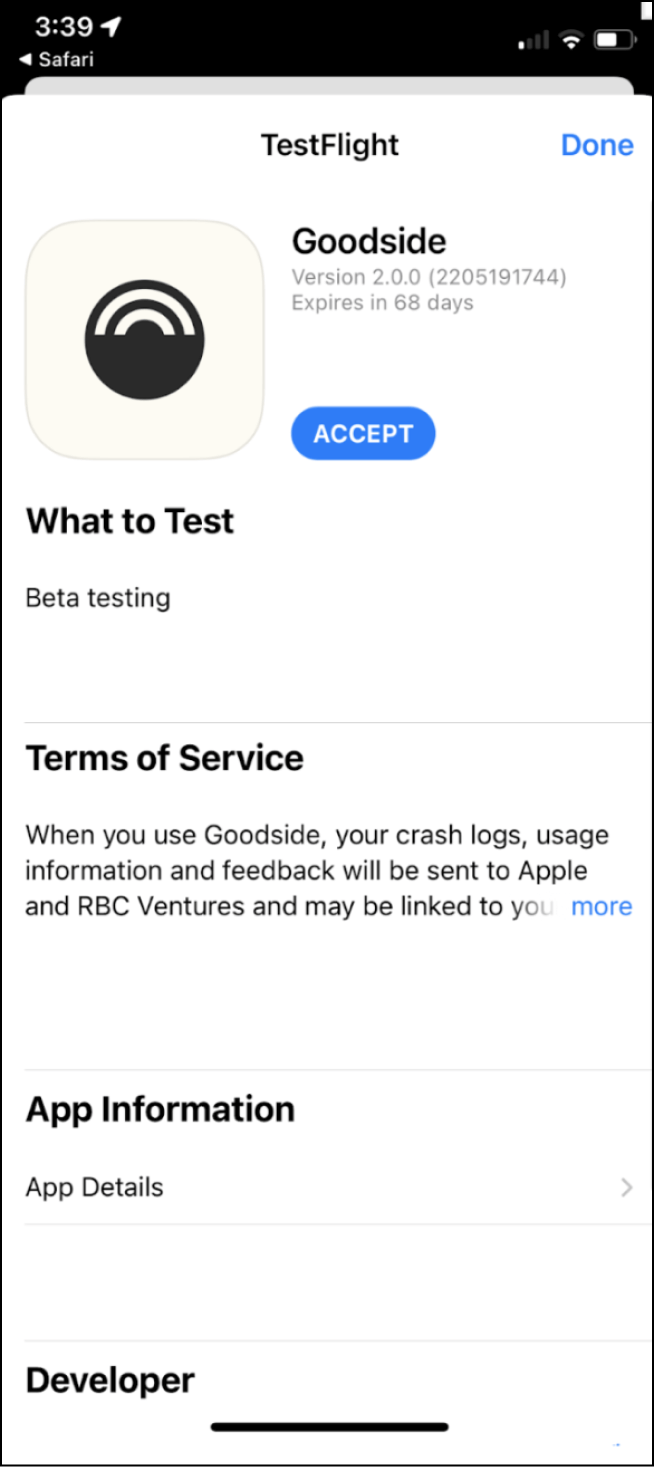
Click on Accept and Install to download the Goodside app.
Step 5
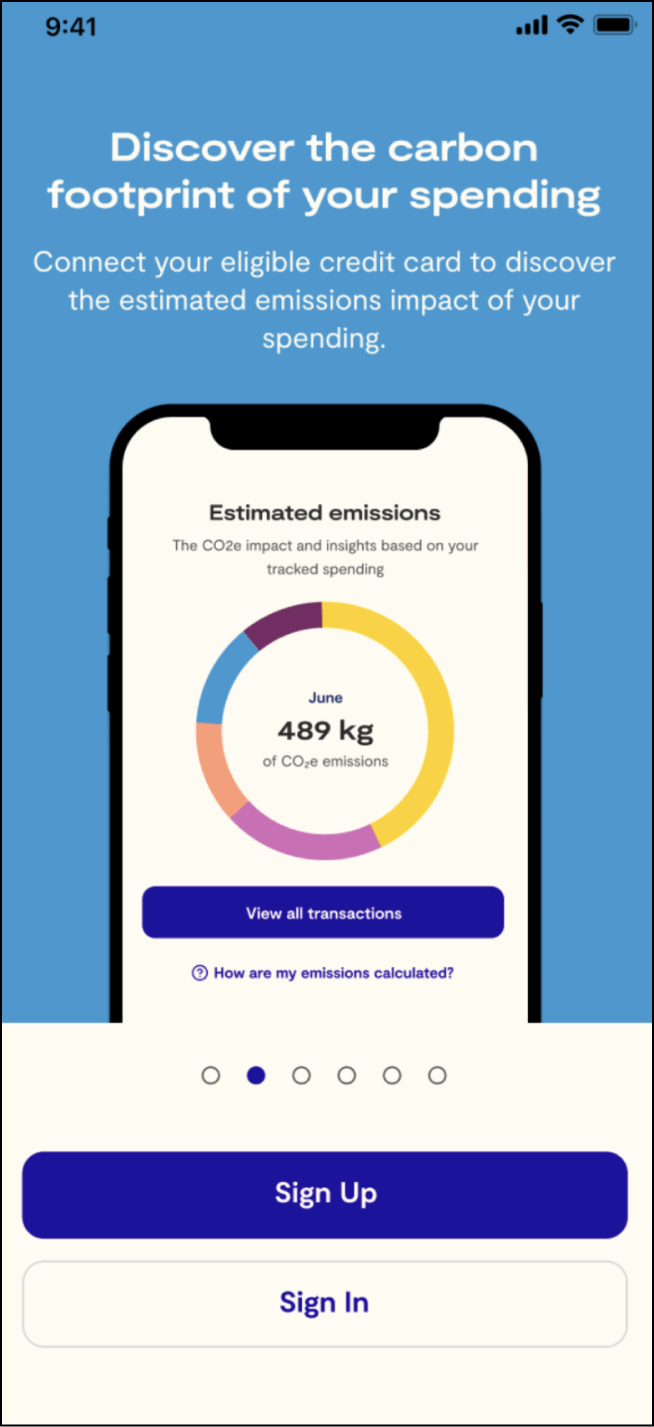
Open the Goodside app and follow the on-screen instructions to set up your Goodside profile.
You will need to keep the TestFlight app on your phone to use the Goodside app for the pilot.
Have any questions? Reach out to us at
[email protected]
